



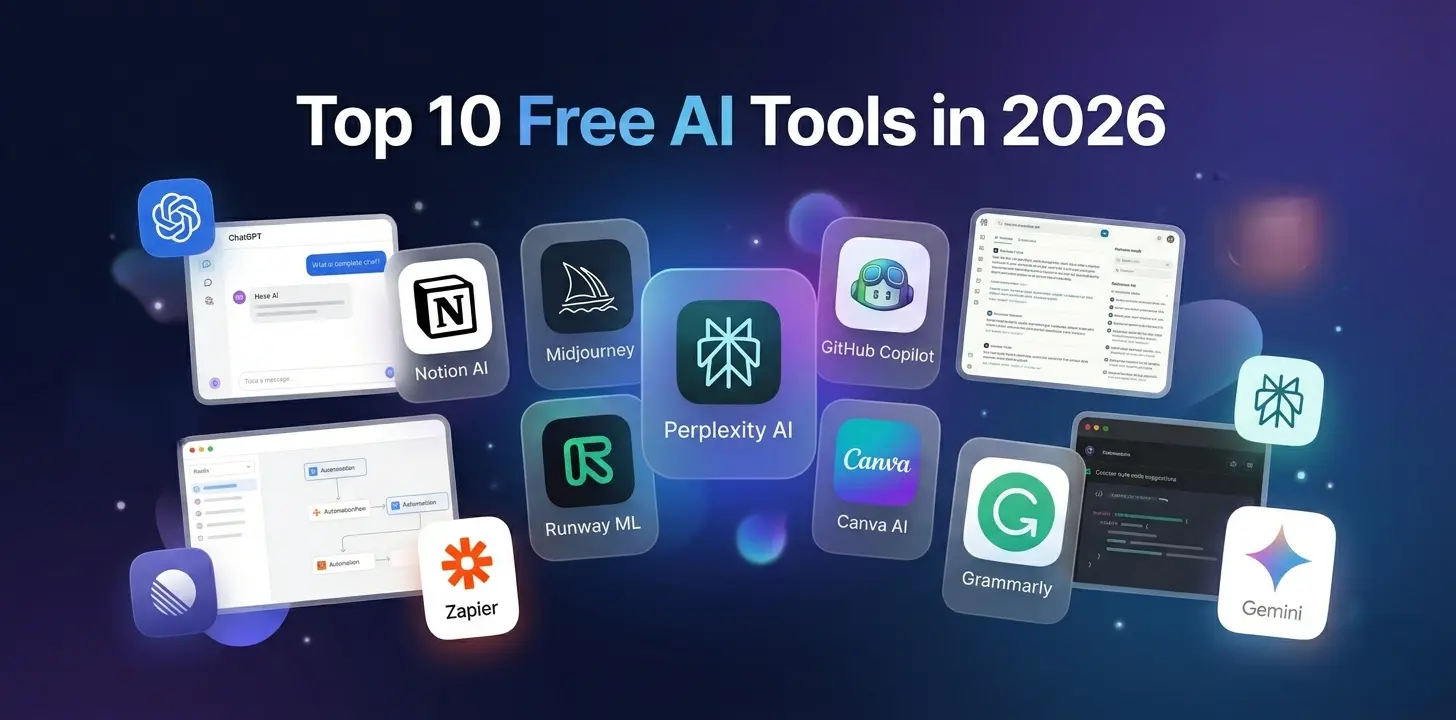
Artificial intelligence has moved far beyond experimental use cases and novelty applications. In 2026, AI has become an operational necessity across software engineering, infrastructure management, technical writing, product development, cybersecurity, data analysis, and workflow automation.
1. ChatGPT (Free Tier)
What It Does
In 2026, ChatGPT has evolved into a multimodal "Thinking" engine. The free tier now includes Instant mode for quick syntax questions and limited access to Thinking models for complex logic debugging.
Key Features
- Interactive Code Blocks: Edit code directly in-line and preview React components or web apps in a split-screen view without leaving the chat.
- Visual Exports: Generate flowcharts and system architecture via Mermaid.js and export them as high-res images with one click.
- Contextual Projects: Upload "Project Sources" (like a README.md or API spec) to keep the conversation grounded in your specific codebase.
2. GitHub Copilot Free
What It Does
Now available as a permanent free tier for casual use, Copilot is the industry standard for "in-flow" assistance within the IDE.
Key Features
- Predictive Ghost Text: Uses low-latency models to suggest entire code blocks before you finish your thought, limited to 2,000 completions per month on the free plan.
- Agentic Code Review: Trigger a "Review" command where the AI scans local diffs for security vulnerabilities or Big O complexity before you commit.
- Terminal Integration: Suggests shell commands and explains cryptic CLI errors in real-time.
3. Claude (Free Tier)
What It Does
Claude remains the "Engineer’s Choice" for deep reasoning and massive file analysis due to its superior handle on nuance and context.
Key Features
- Artifacts 2.0: A dedicated window that renders code, websites, and technical diagrams side-by-side with the chat—perfect for building dashboards.
- Sonnet 4.5 Access: Free users get access to high-intelligence models that excel at refactoring legacy code without introducing hallucinated logic.
- Multi-File Reasoning: Upload up to 20 files (PDFs, .js, .py) simultaneously to ask questions about cross-file dependencies.
4. Google Gemini
What It Does
Gemini’s strength in 2026 is its deep integration with the Google ecosystem and its massive context window for large-scale data processing.
Key Features
- Deep Research: The free version allows for "Grounding" with Google Search, providing cited links for the latest framework updates (e.g., Next.js 16).
- Workspace Integration: Automatically draft technical reports or update tracking spreadsheets based on raw logs pasted into the chat.
- Multimodal Logic: Analyze recorded video of a buggy UI behavior to suggest where frontend logic might be failing.
5. Perplexity AI
What It Does
Perplexity has replaced traditional search for tech pros by functioning as a "Research Agent" rather than a simple list of links.
Key Features
- Pro Search (Limited): Free users get daily "Pro" queries that break down complex questions into multiple research steps.
- Source Transparency: Every claim includes a clickable citation, ensuring you aren't following outdated Stack Overflow advice.
- Pages: Convert research threads into formatted "Technical Pages" to share as pre-reads for architectural reviews.
6. Notion AI
What It Does
Notion AI has moved from a writing assistant to a "Project Agent," organizing technical documentation and team knowledge.
Key Features
- Automated Sprints: Scan unstructured meeting notes to generate a database of tasks with priority tags and suggested deadlines.
- Q&A Across Workspace: Ask questions about past decisions (e.g., "Why did we choose Postgres over MongoDB?") and it will find and cite the exact document.
- Formula Generation: Translates natural language into complex Notion formulas for custom project-tracking dashboards.
7. Cursor (Free Tier)
What It Does
Cursor is the first "AI-native" IDE, providing a more integrated experience than standard VS Code extensions.
Key Features
- Codebase Indexing: The free tier indexes your local folder, allowing you to ask questions like "Where is the auth logic handled?" with pinpoint accuracy.
- Composer Mode: Describe a feature, and Cursor will write the code across multiple files (HTML, CSS, and Logic) simultaneously.
- Inline Fixes: Detects linter errors as you type and offers a "Fix" button that understands the context of your specific project style.
8. Canva AI (Free)
What It Does
Canva AI is now a staple for technical communication, making complex system diagrams accessible to everyone.
Key Features
- Magic Flowcharts: Describe a system architecture and generate a professional, editable diagram instantly.
- Whiteboard to Doc: Convert rough whiteboard sketches into polished process maps for stakeholder presentations.
- Interactive Presentations: Generate slides that sync with external spreadsheets to show real-time deployment metrics.
9. n8n (Free Self-Hosted)
What It Does
The gold-standard for "Privacy-First" automation. By self-hosting via Docker, you get enterprise-grade workflow power for free.
Key Features
- AI Agent Nodes: Build custom workflows using "LangChain" nodes to connect local LLMs to 400+ apps like Slack, GitHub, and Jira.
- Visual Logic: Use a node-based interface to build complex "If/Then" logic for DevOps—like auto-creating Jira tickets from Sentry errors.
- Data Sovereignty: Since it's self-hosted, your API keys and sensitive customer data never leave your own infrastructure.
10. NotebookLM
What It Does
The ultimate tool for knowledge synthesis, specifically designed to help developers master new codebases or complex technical specs.
Key Features
- Source-Grounded Chat: Upload dozens of whitepapers or docs and chat with an expert on that specific data without hallucinations.
- Audio Overviews: Generate "Podcast-style" summaries of complex technical documents for easy digestion during commutes.
- Studio Panel: Instantly generate Mind Maps or "Cheat Sheets" from uploaded technical notes for rapid team onboarding.
Conclusion
The AI landscape in 2026 is defined by integration. Tech professionals who strategically embed these tools into their daily processes—from debugging to documentation—will gain a significant competitive advantage.